Combine two photos into one
Put two pictures side by side or one above the other. Before and after, then and now, you and them.
Example · 2 photos, side by side2,024 × 1,349 px


These are sample photos.Pick your two, in either order.
Join
Save as
Gap and fill colour8 px · white
What do people combine two photos for?
Three pairs made with this tool from the sample photos, with an 8 px white gap.
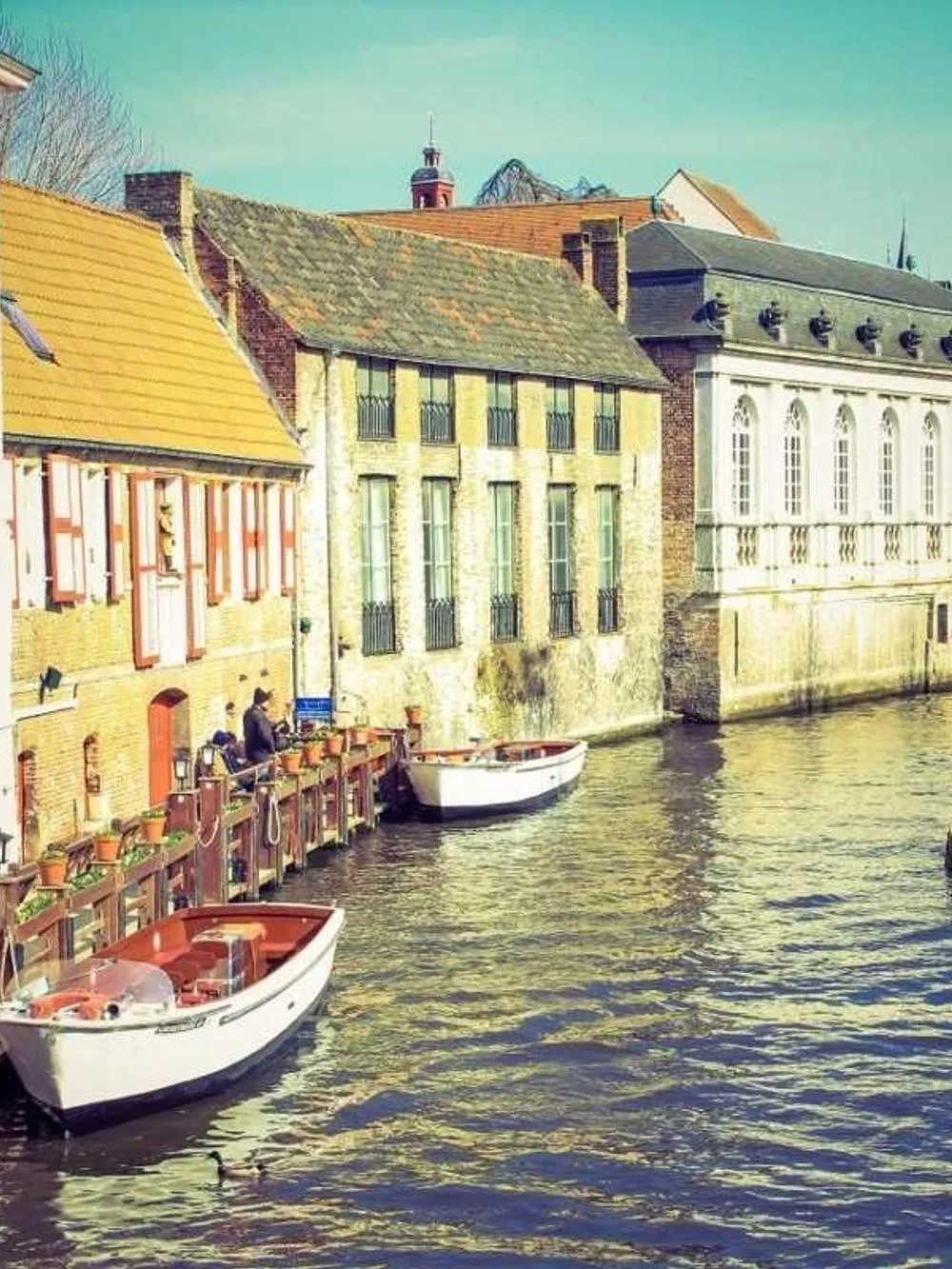
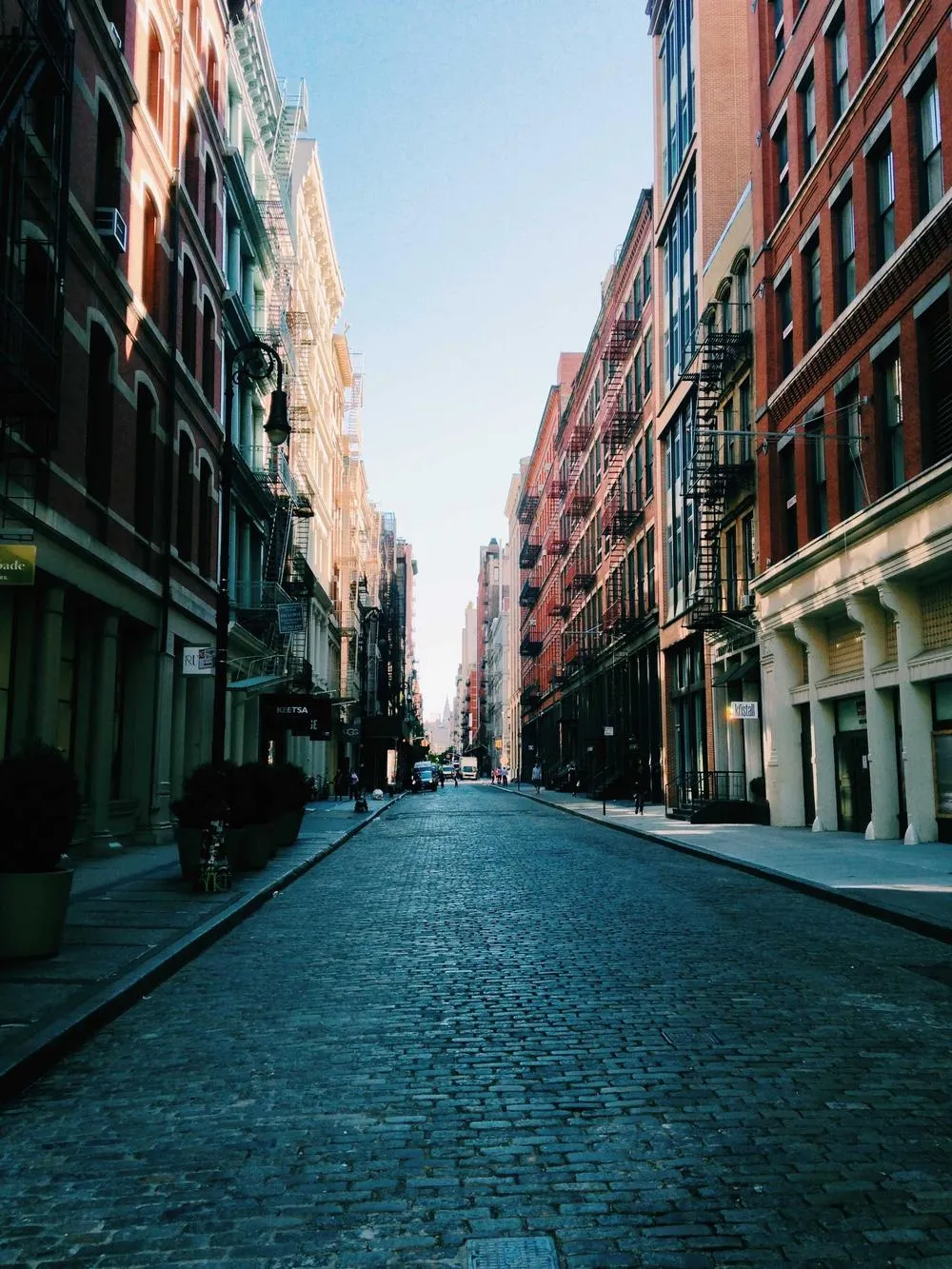
Same height, so both photos sit level even when one was taller.
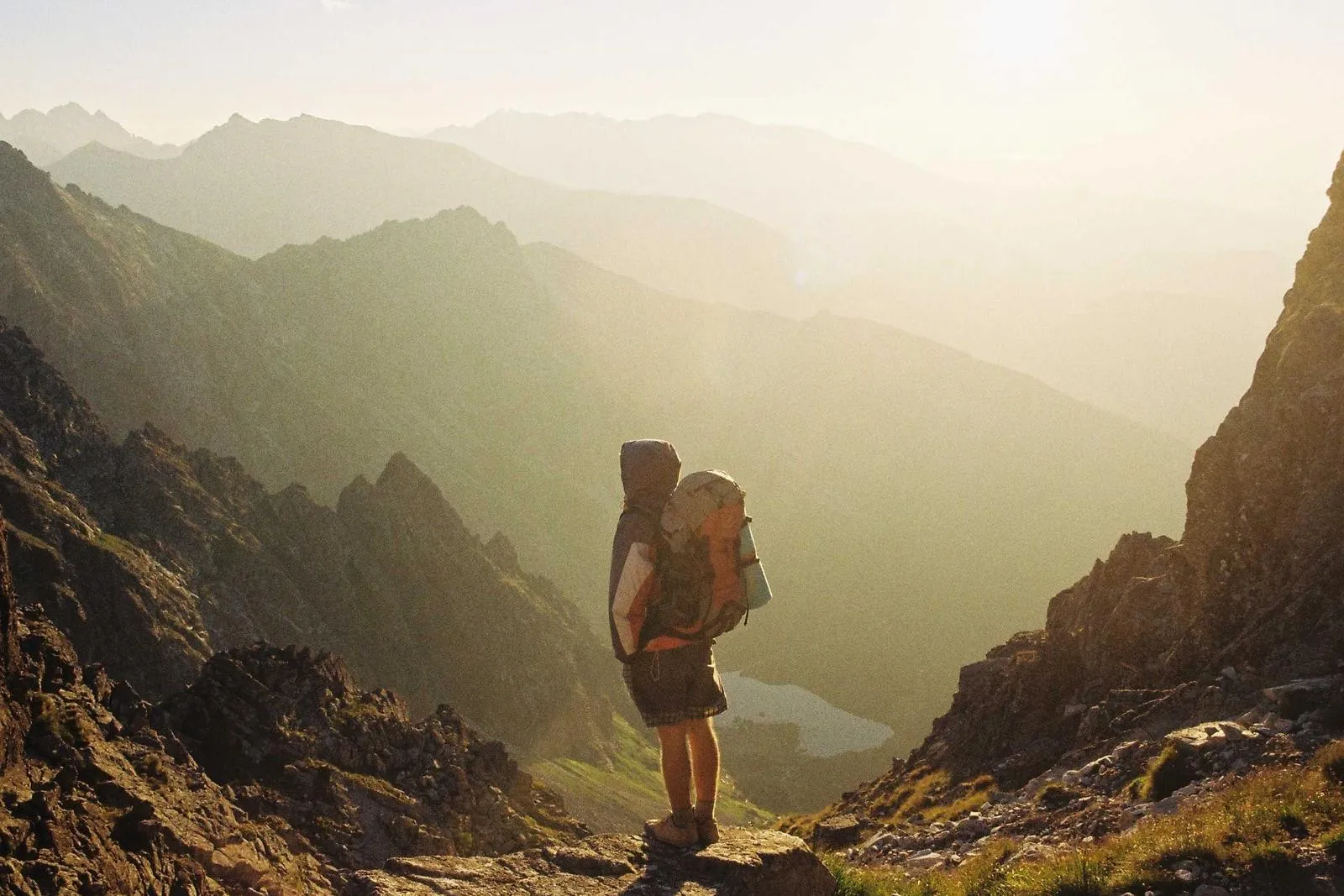
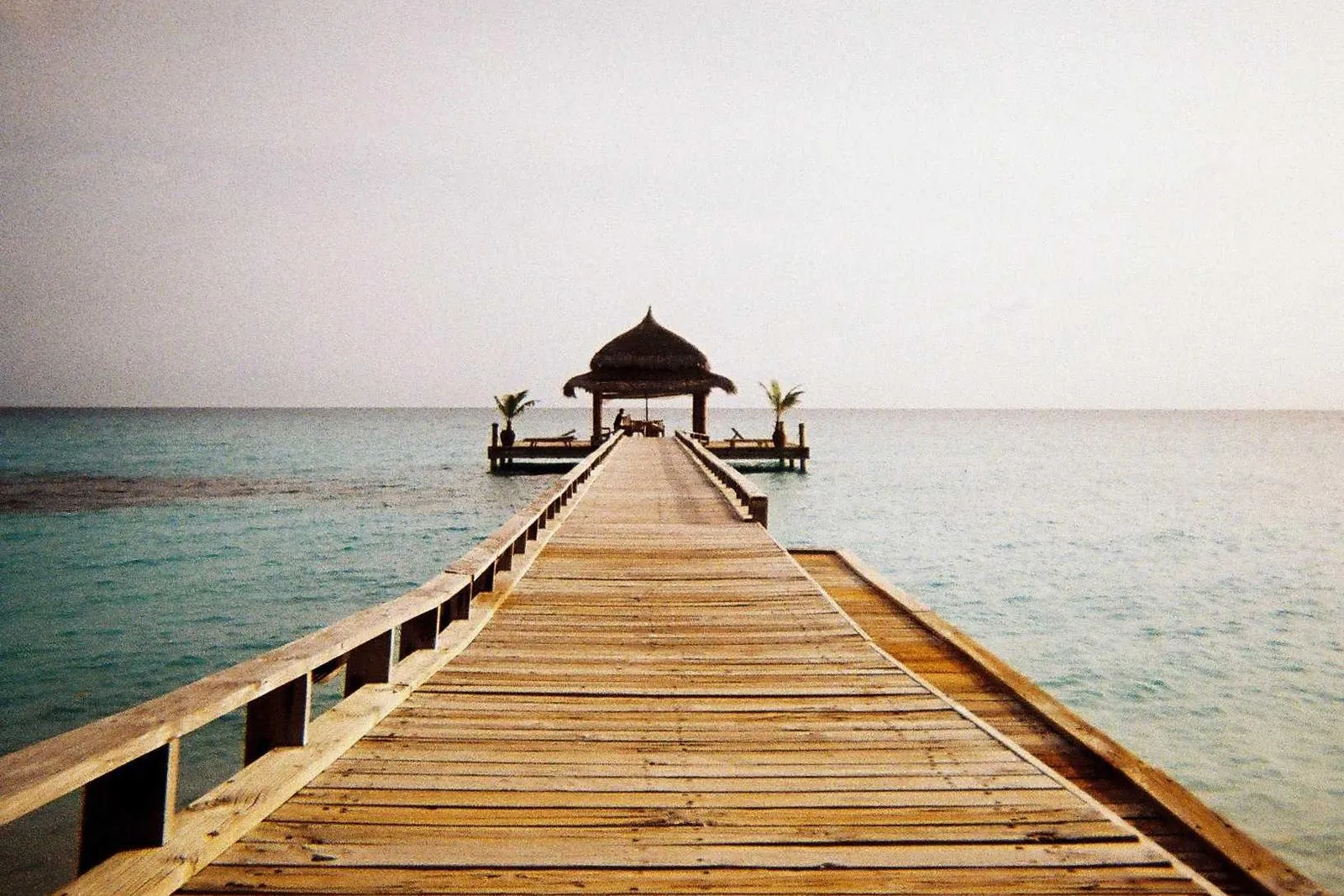
Same width, so a tall screen shows both in full.
One tap on the swap button puts the portrait on the left.
What should you know before you combine them?
What if the two photos are different sizes?
The larger photo is scaled down to match the smaller one: the same height side by side, the same width stacked. Nothing is stretched, cropped or enlarged.
Can I add a white line between the photos?
Yes, Gap sets the space between and around the two photos, from 0 to 120 px.
Fill sets its colour: white, black or cream. Set Gap to 0 for no line at all.
How do I swap which photo is on the left?
Press the round swap button between the two photos. When they are stacked, the same button swaps which one is on top.
Can I combine two photos on a phone?
Yes, the page is laid out for phone screens and runs in the phone's browser, with nothing to install.
Tap Choose 2 photos, pick two, then tap Combine & download at the bottom of the screen.
Can I combine more than two photos?
No, this page holds two.
Merge JPG joins up to 30 photos side by side, stacked or in a grid, and Photo grid lays them out in 2, 3 or 4 columns.
Which other photo tools are on this site?

 Merge JPGOne image from many
 Merge JPG to PDFA page per photo
 Merge PNG filesKeeps transparency
 Photo grid2, 3 or 4 columns
Last updated .