Make a photo grid from your pictures
Lay photos out in 2, 3 or 4 columns. Crop every cell to the same shape, or keep each photo whole.
Example · 6 photos, 3 columns, crop to fill4,832 × 2,158 px

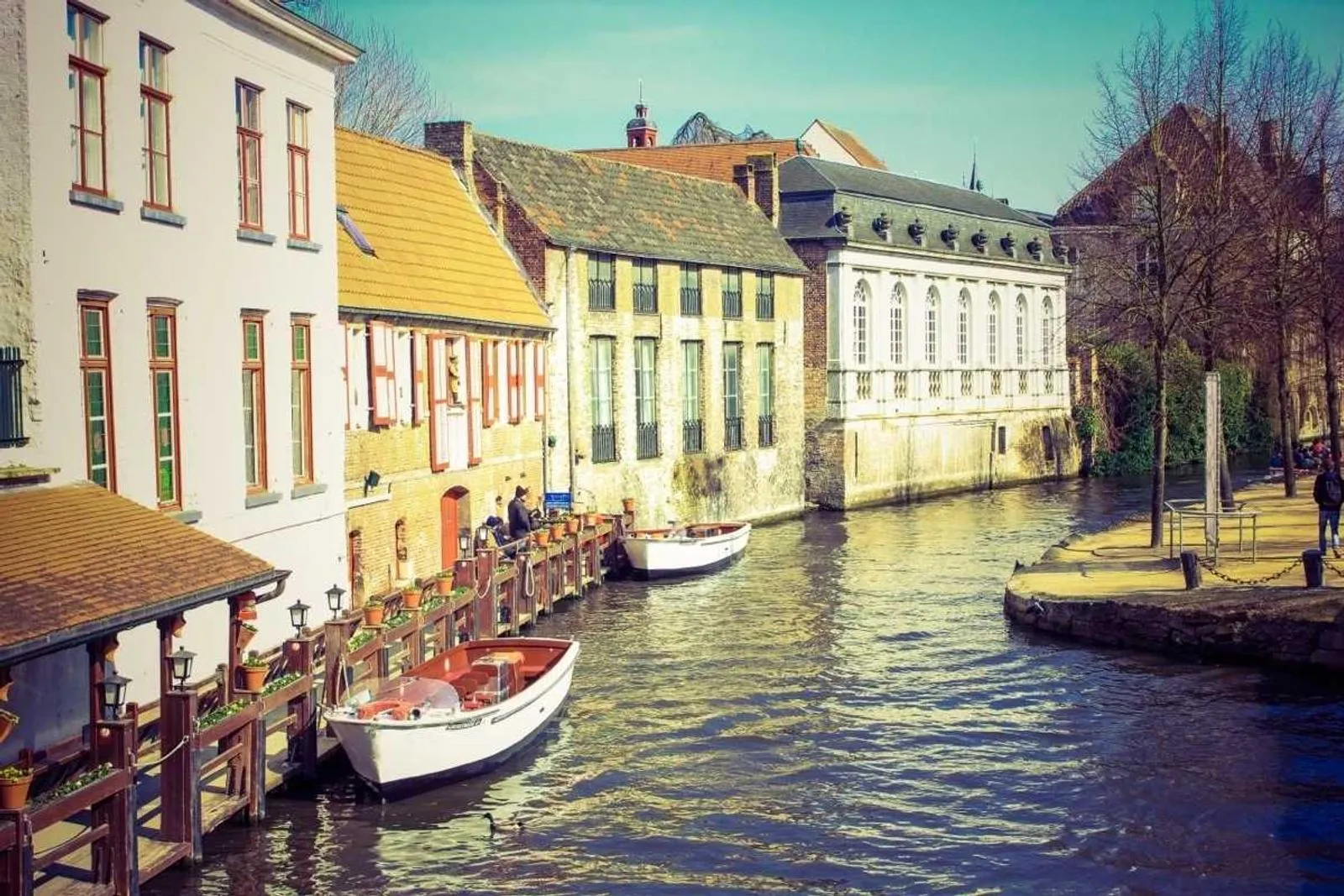
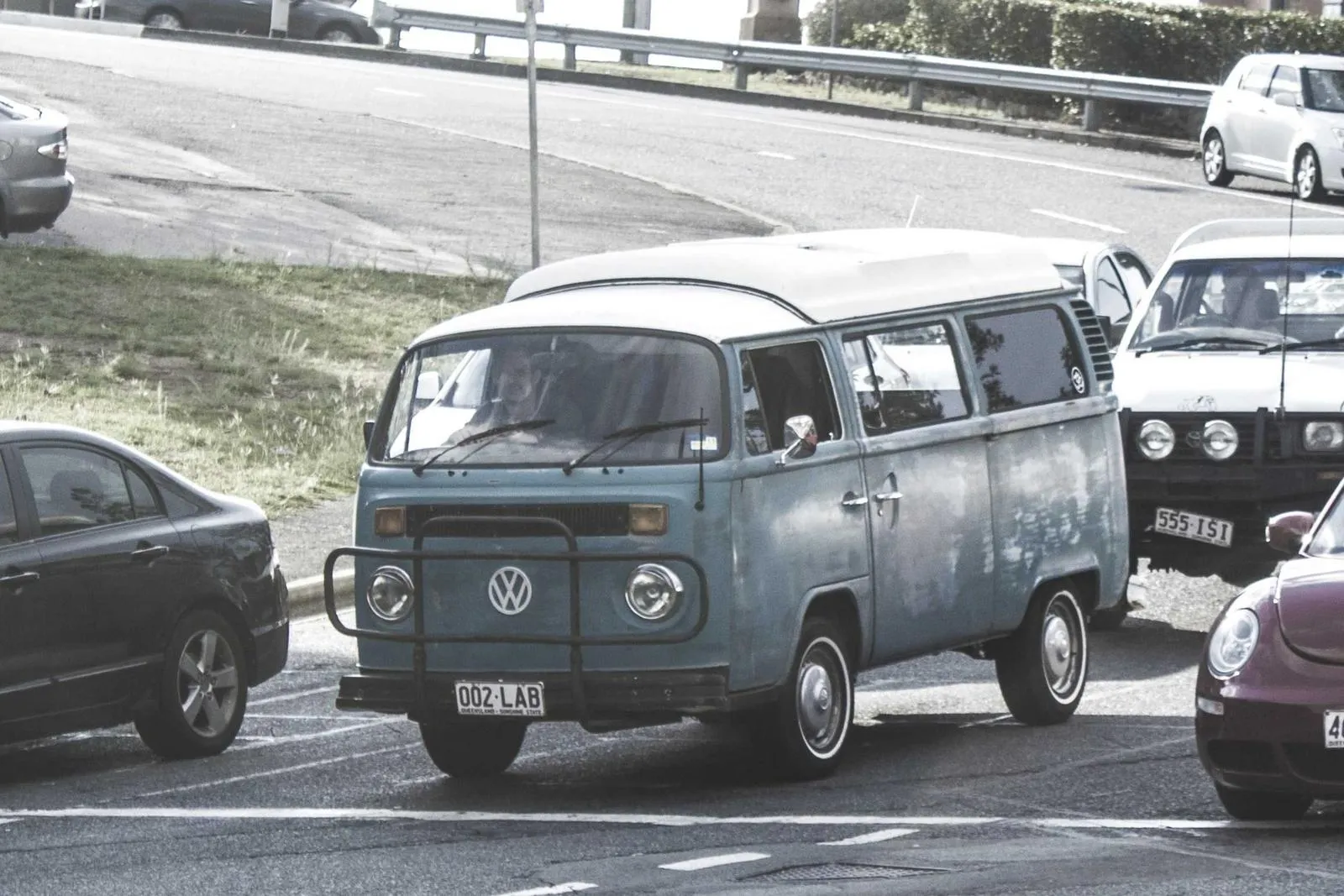


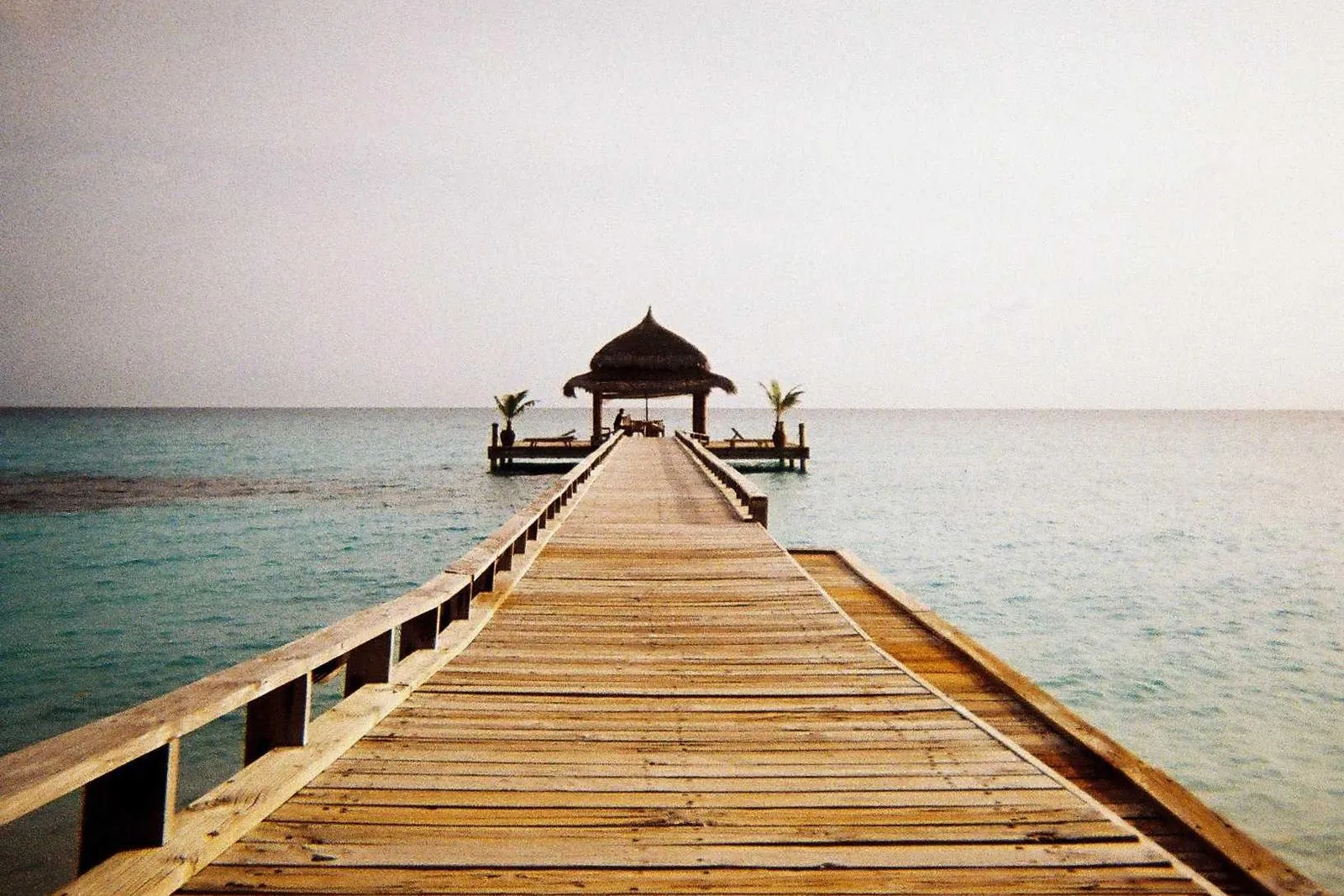


These are sample photos.The order runs left to right, then down.
Columns
Cells
Gap and file type8 px · JPG
Crop to fill or fit the whole photo?
The same four photos, two wide and two tall, in 2 columns with an 8 px white gap.

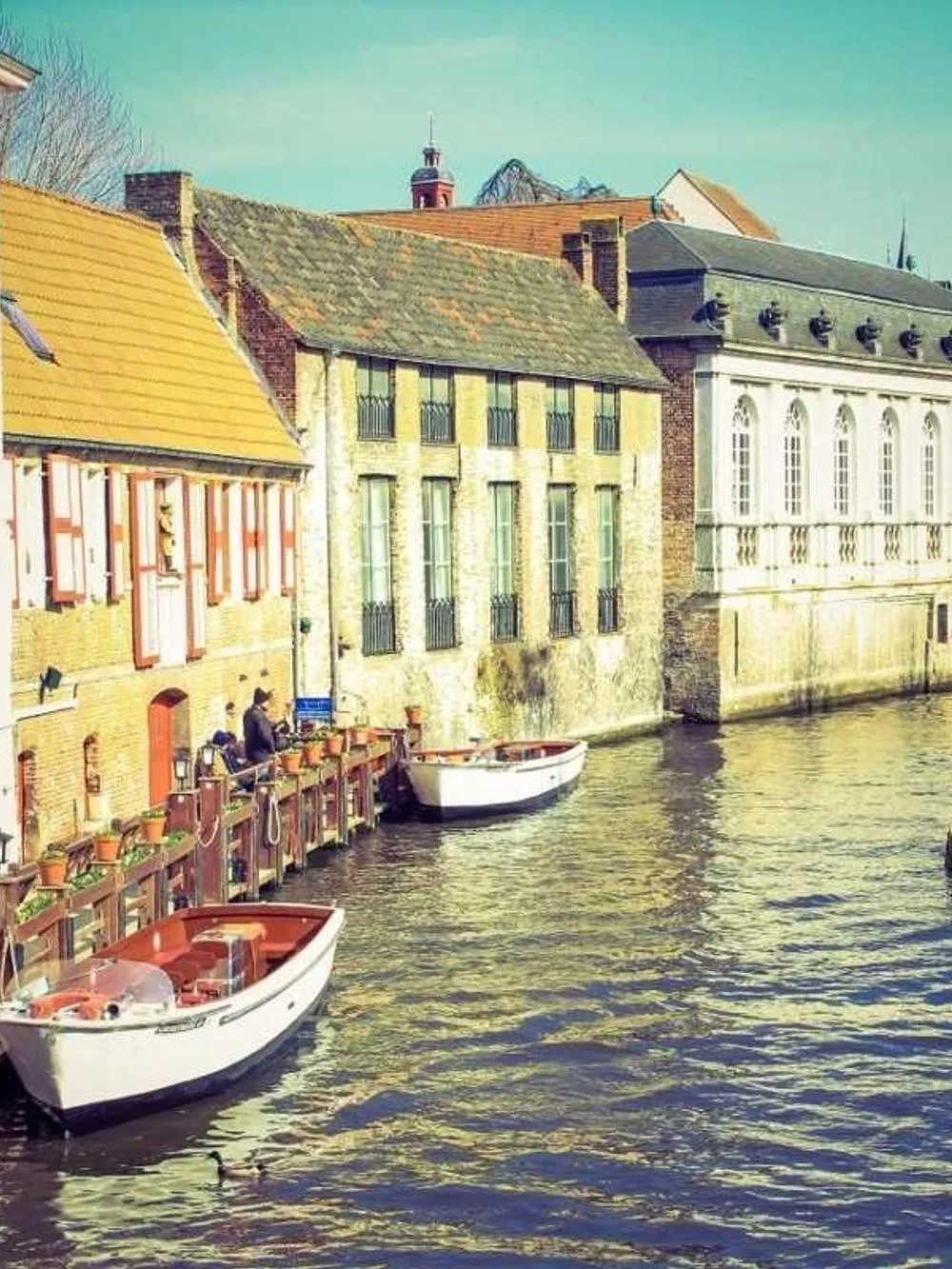
Every cell is the same shape. The edges of each photo are trimmed to fit it.
Nothing is trimmed. Each photo is scaled to fit its cell, with white around it.
What should you know before you make the grid?
Which part of each photo is kept when it is cropped?
The middle is kept. Every cell takes the width of the narrowest photo and the height of the shortest one.
Each photo is trimmed evenly from both sides, or from top and bottom, to fill it.
How many photos can a grid have?
A grid can have up to 30 photos, each up to 25 MB.
A grid over 16,384 px on a side, or over 16.8 million pixels, is scaled down to fit, and the page tells you the final size.
What happens when the last row is not full?
The last row starts from the left and its empty cells stay white. Six or nine photos fill 3 columns exactly, and eight fill 2 or 4 columns.
Can I make a 3 by 3 grid for Instagram?
Yes, choose nine photos and 3 columns, and you get one image with all nine to post as a single picture.
The page does not cut it into nine separate tiles.
Are my photos uploaded to make the grid?
No, your photos are not uploaded.
Your browser makes the grid on your device, and the photos stay in this tab until you close or reload it.
The page only remembers your columns, cells, gap and file type.
Which other photo tools are on this site?

 Merge JPGOne image from many

 Merge JPG to PDFA page per photo
 Combine two photosSide by side or stacked
 Merge PNG filesKeeps transparency
Last updated .