Merge PNG files into one image
Join cut-outs, logos or screenshots into one image and keep the clear background around them.
Example · 3 cut-outs, side by side2,661 × 597 px
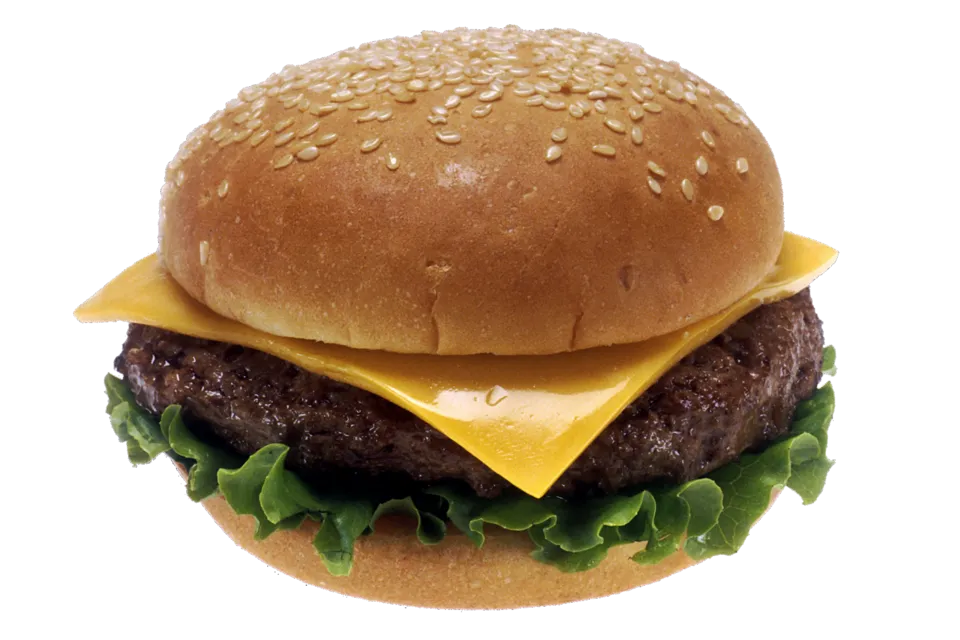
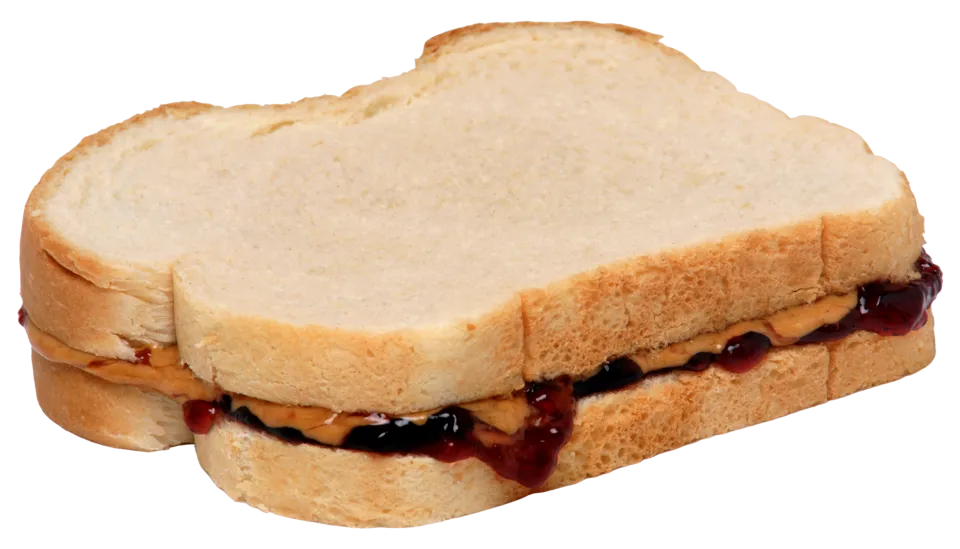
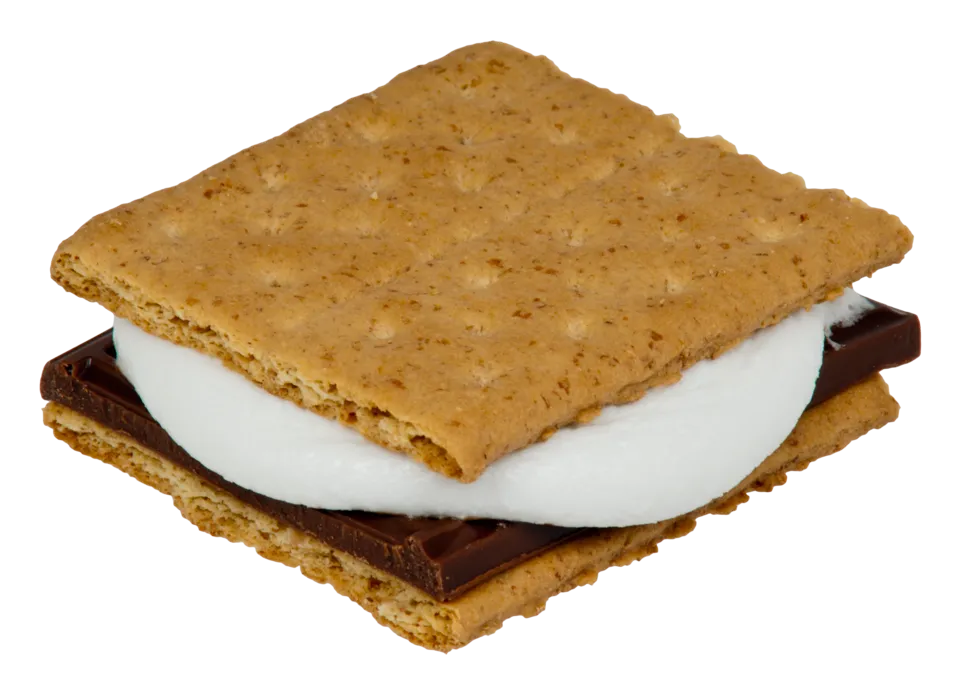


These are sample cut-outs.The checks show the see-through parts.
Layout
Save as
Gap and background24 px · clear
PNG, JPG or WebP for the merged file?
Measured on the three sample cut-outs above, side by side with a 24 px gap (2,661 × 597 px). The three files you start with add up to 1.8 MB.
The clear parts stay clear, so the burger sits on whatever page or slide you put it on.
JPG has no see-through pixels, so the clear parts turn white, or black if you pick it.
| Save as | Clear parts | Quality | File size | Pick it for |
|---|---|---|---|---|
| PNG | Kept | Exact, nothing is lost | 1.9 MB | Editing again, logos, stickers |
| WebP | Kept | Very close, saved at 92% quality | 225 KB | Websites and chat apps that take WebP |
| JPG | Filled white | Very close, saved at 92% quality | 250 KB | Forms and apps that only take JPG |
What should you know before you merge PNG files?
Will the transparent background be kept?
Yes, the clear background is kept when Behind is Clear and you save as PNG or WebP.
JPG cannot store see-through pixels, so the clear parts are filled with white, or with black if you pick it.
Can I merge PNG and JPG files together?
Yes, one merge can mix PNG, JPG, WebP, GIF, BMP and AVIF files. A JPG has no clear parts, so it shows as a solid rectangle in the result.
Why is the merged PNG so large?
PNG keeps every pixel exactly, and photos do not compress well that way.
The sample above is 1.9 MB as PNG, 225 KB as WebP and 250 KB as JPG. WebP keeps the clear background in a far smaller file.
Can I merge screenshots on my phone?
Yes, the merge runs in your phone's browser with nothing to install. Tap Choose PNG files, pick the screenshots, then tap Merge & download at the bottom of the screen.
Are my PNG files uploaded anywhere?
No, they never leave your device.
Your browser does the merge, and the images stay in this tab until you close or reload it. The page only remembers your layout, gap, background and file type.
Which other photo tools are on this site?
 Merge JPGOne image from many
 Merge JPG to PDFA page per photo

 Combine two photosSide by side or stacked
 Photo grid2, 3 or 4 columns
Last updated .